
Send call information to the tools you already use
Connect Upfirst to Zapier to automatically send call details to your CRM and other apps—no manual copying, no missed follow-ups.
-
Add new callers to your CRM
Create or update CRM contacts after calls with details already filled.
-
Trigger follow-ups
Trigger post-call workflows—send emails, create tasks, notify teams.
-
Keep systems in sync
Send summaries, tags, and booking details to your existing tools.
How it works
How to connect Upfirst to your apps with Zapier
Zapier handles the connections so you don’t need to build anything custom.
-
Step 01
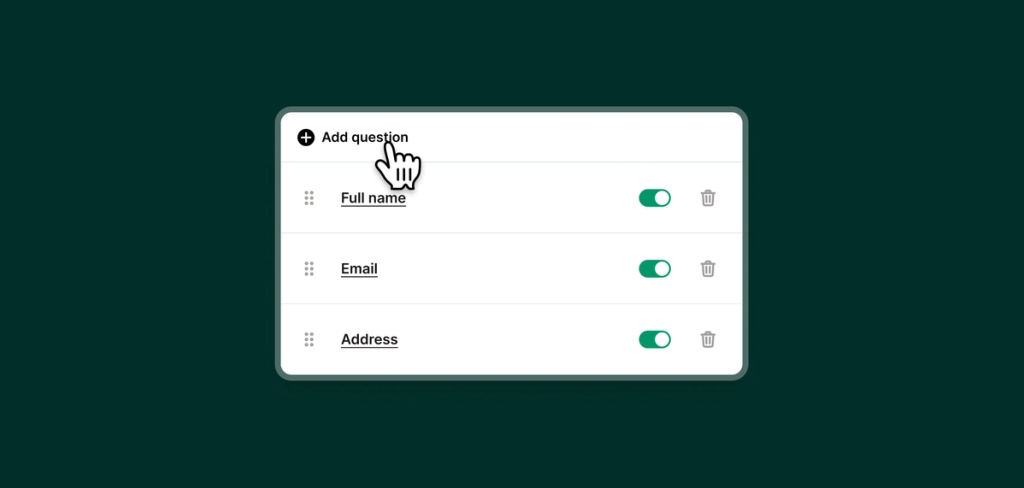
Decide what information to collect
Customize your AI receptionist to ask the right questions so it can collect the information that's important for to you.
-
Step 02
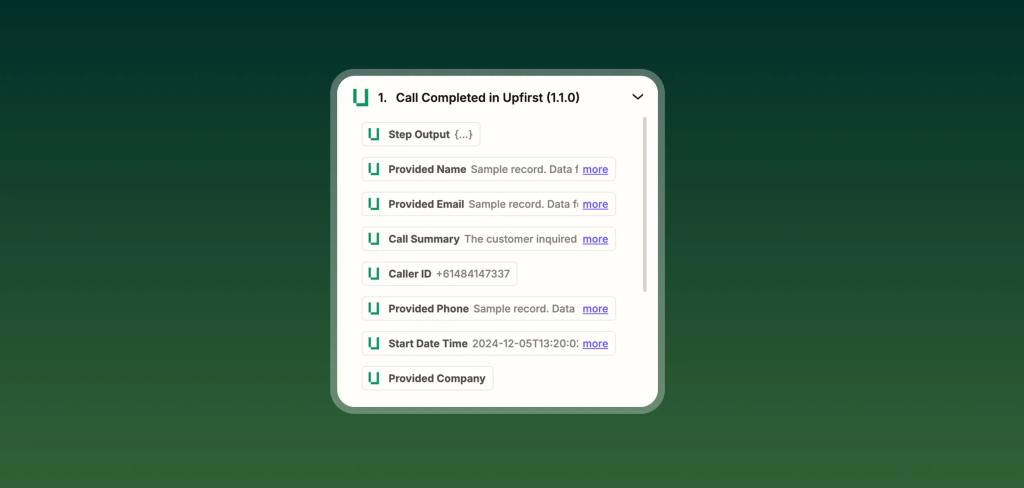
Choose what happens after a call
Connect your Zapier account to Upfirst, and choose what information should update in your preferred tool or CRM.
-
Step 03
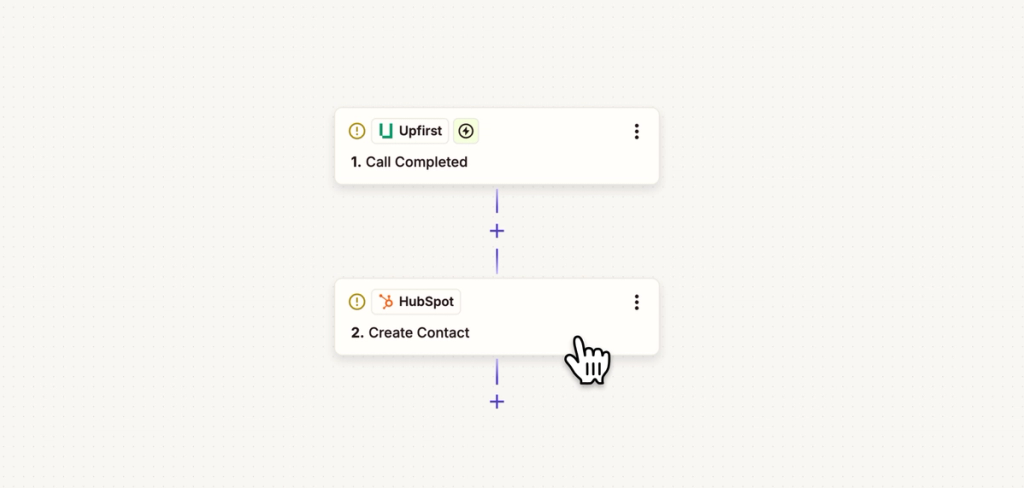
Let it run automatically
Once set up, workflows run in the background for every call. Let your AI receptionist update your tools and CRMs automatically while you work.
FAQs about our Zapier integration feature
Have a question that isn't answered here? Get in touch with our team.
-
Any app supported by Zapier, including most CRMs, email tools, and task managers. You can quickly find out if Zapier supports your app by searching "Zapier + your app".
-
No. Zapier uses simple step-by-step workflows and doesn’t require coding.
-
You can send caller details, call summaries, tags, booking info, and more.
-
Yes. You can create different workflows for different call types or outcomes.