
Send texts to callers during calls
Your virtual receptionist can text links or information mid-call based on what the caller asks—like pricing, scheduling, or next steps.
-
Share pricing
Send a link instead of walking through pricing or services over the phone.
-
Send scheduling links
Text a booking link during the call so callers can schedule right away.
-
Reduce repeat questions
Share answers, next steps, or answers to FAQs for easy reference later.
How it works
How to send texts automatically during a call
Just set it up once. Your receptionist handles the rest.
-
Step 01
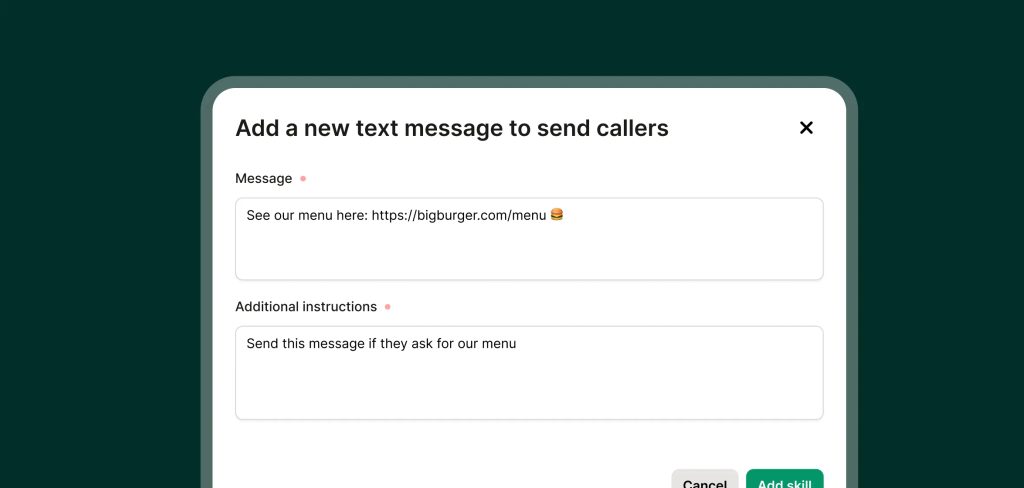
Write your text messages
Add messages with links to pricing, booking, FAQs—whatever you normally send during a call.
-
Step 02
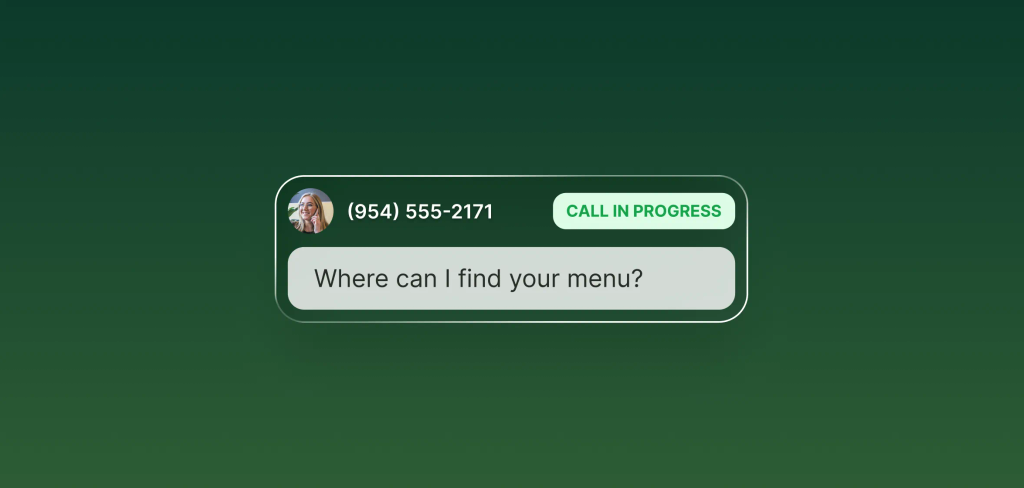
Define when texts should be sent
Set simple rules like “if someone asks about pricing" or "if someone wants to schedule an appointment."
-
Step 03
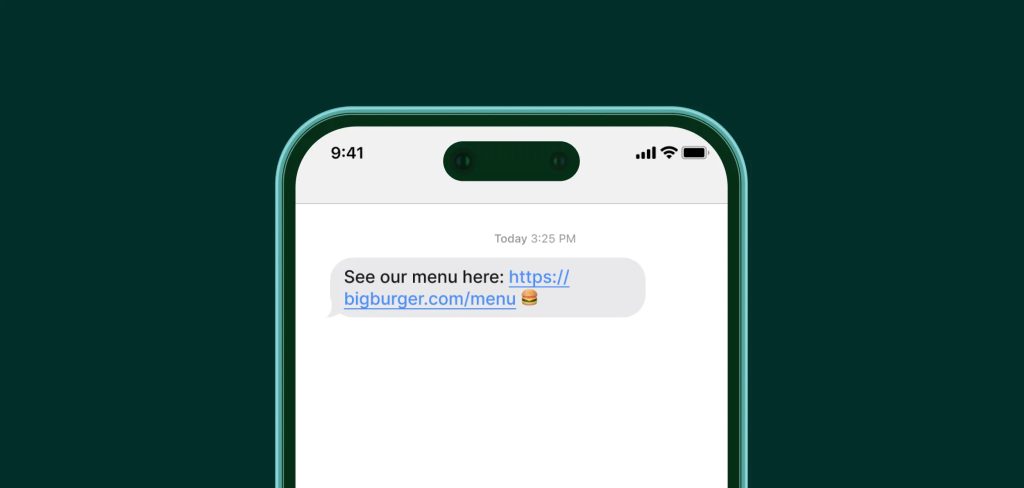
Let your receptionist do the rest
Your receptionist sends the right message during the call and confirms it was received.
FAQs about our texting feature
Have a question that isn't answered here? Get in touch with our team.
-
Yes. Texting is built into every plan. There’s no extra charge and no limits on the number of texts you send.
-
Your AI receptionist confirms delivery during the call—so you can be sure the message came through.
-
Whatever makes the call smoother. Most people send scheduling links, pricing info, booking pages, or follow-up instructions.