
Block spam calls before they waste your time
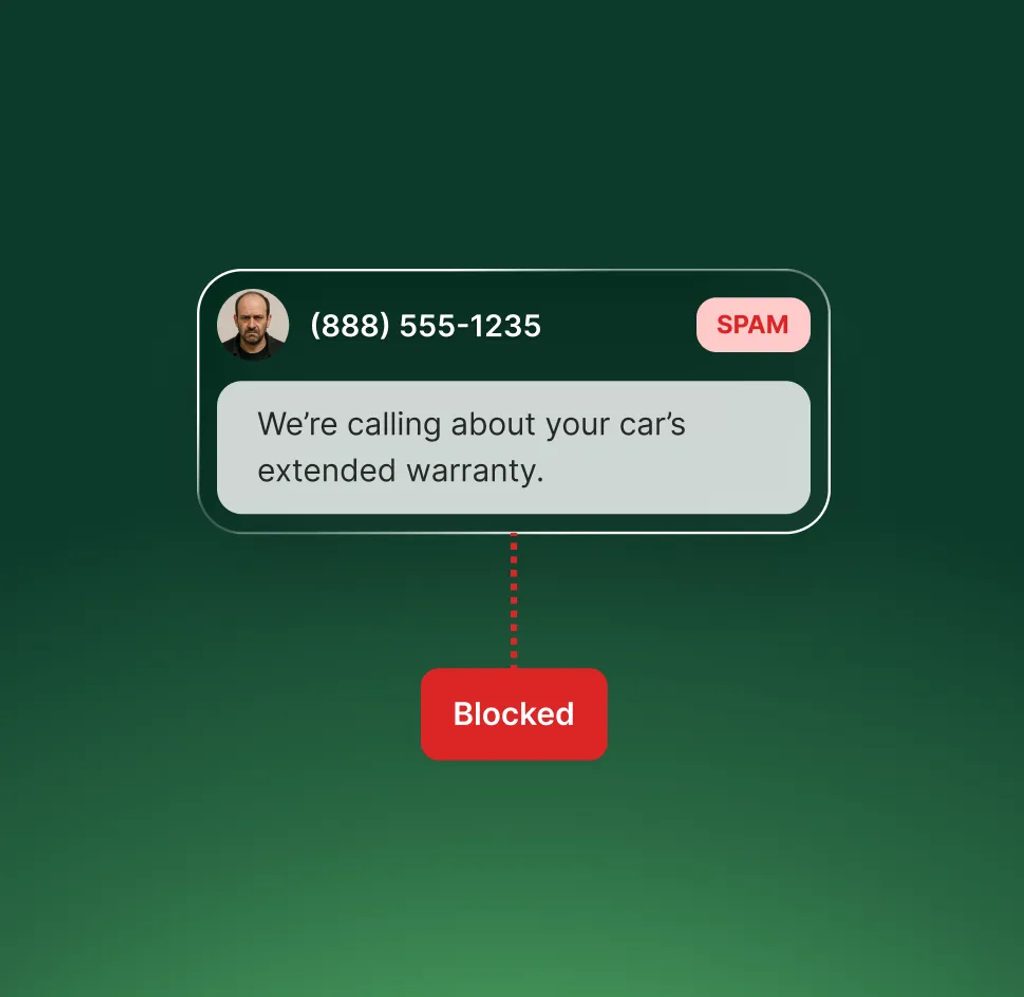
Use AI to identify spam calls and block them automatically—so you can filter them out, avoid distractions, and never pay for them.
-
Save money
Spam calls are not billed, so you’re not charged for calls that don’t matter.
-
Block unwanted callers
Block toll-free numbers or specific contacts that you don't want to connect with.
-
Reduce noise
Filter out spam summaries so you only get notified about real customer calls.
How it works
How to block spam automatically
Spam calls are a waste of time. Upfirst makes it easy to block them.
-
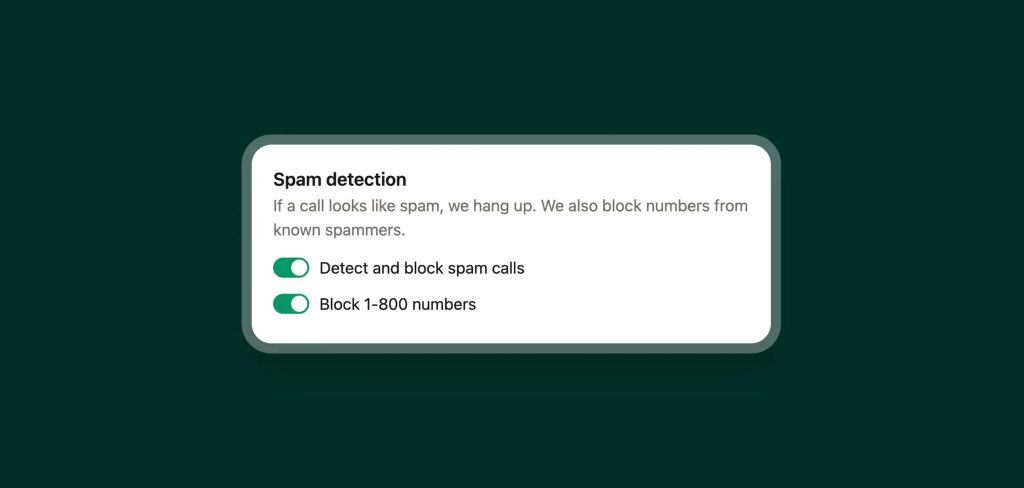
Step 01
Turn on spam blocking
Spam blocking is included with every plan. You can choose to block all spam calls, specific contacts, or just toll-free numbers.
-
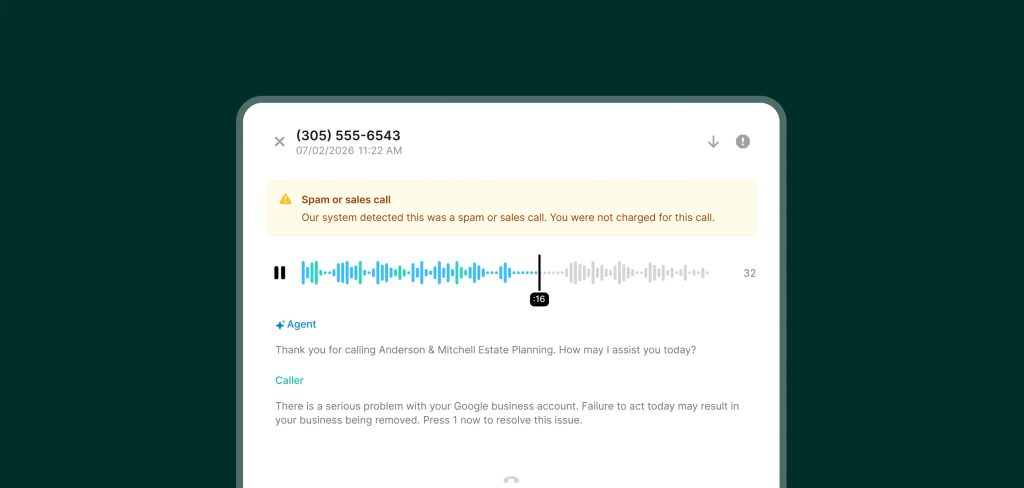
Step 02
AI analyzes your calls
If a call is marked as spam, you won’t be charged for it—and you can choose to mute notifications so spam calls don’t waste your time.
-
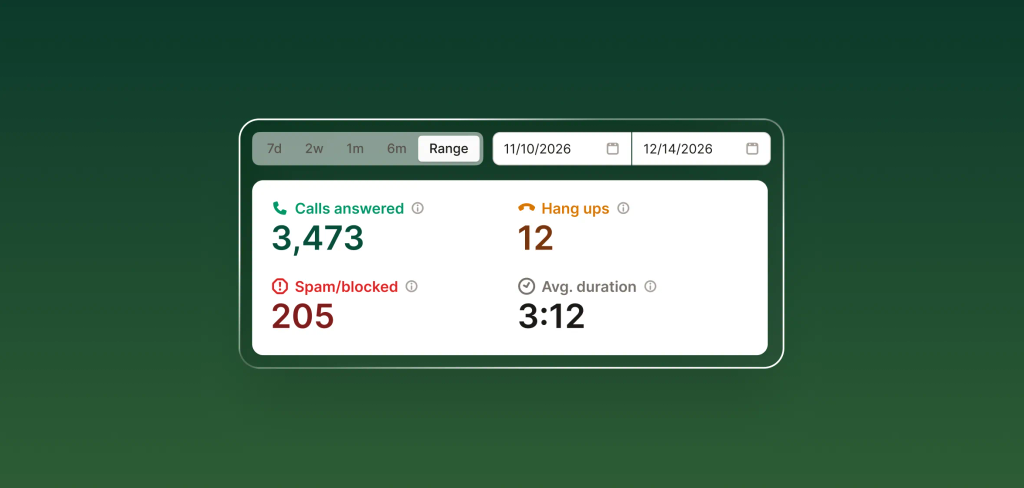
Step 03
Enjoy spam-free life
Your Upfirst dashboard shows exactly how many spam calls your receptionist blocked, so you know how much time you saved.
FAQs about our spam calling feature
Have a question that isn't answered here? Get in touch with our team.
-
Upfirst analyzes the conversation content using AI to identify spam calls automatically. If we ever get it wrong, and spam calls send you into overages, just email support@upfirst.ai and we'll make things right.
-
No. You are not billed for calls identified as spam. You can easily see from your call log which calls were counted as spam.
-
Yes. Spam calls are labeled and visible in your call history, but you can filter them out.
-
That's up to you. You can choose whether or not you want to get email and text notifications about calls your receptionist detected as spam.