
Answer calls in multiple languages automatically
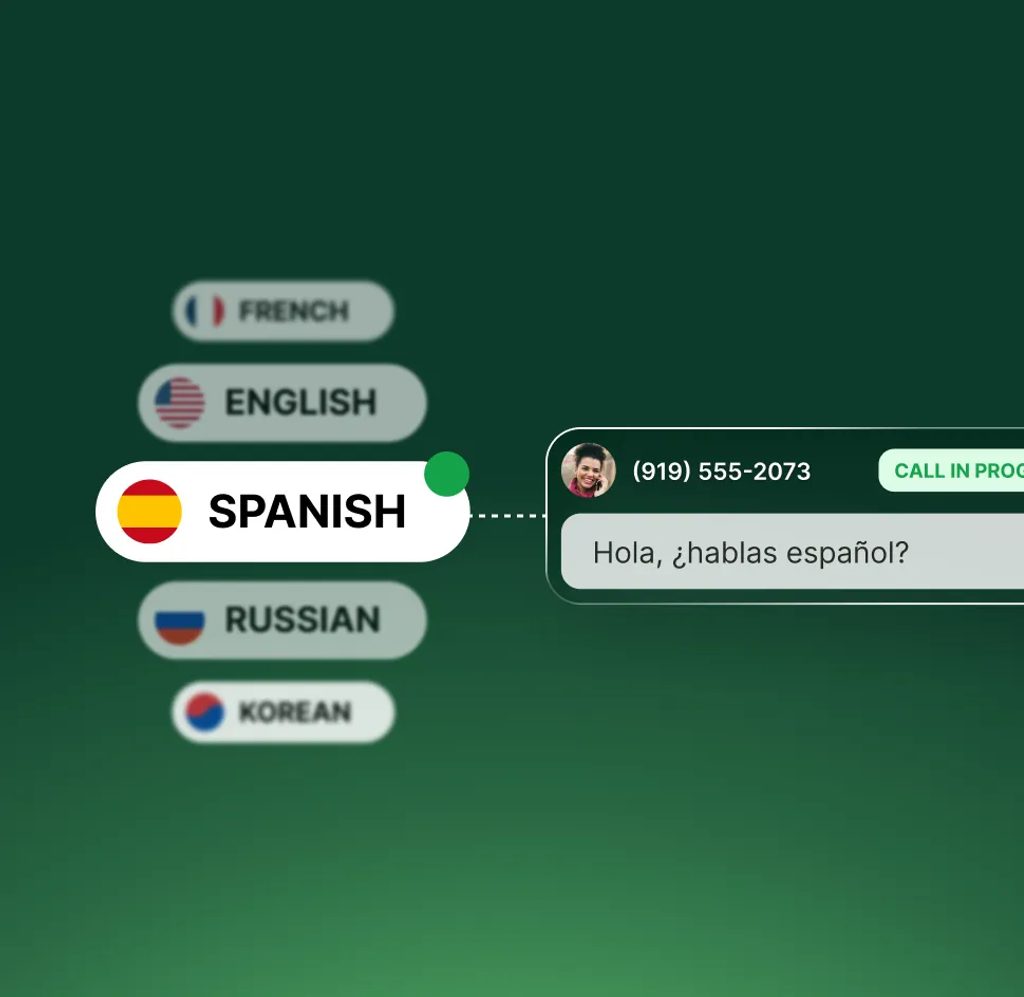
Upfirst speaks 35+ languages and switches automatically based on what the caller speaks, so you can support customers without a language barrier.
-
Support more customers
Help callers in their preferred language without hiring multilingual staff.
-
Stay updated in your language
Get transcripts and summaries in your language—no matter the call.
-
Reduce misunderstandings
Let callers speak naturally in a language they're comfortable with.
How it works
How multilingual answering with our AI receptionist works
No setup or language selection required. Our receptionist can switch between languages automatically.
-
Step 01
Caller speaks their language
Callers can speak naturally in their own language. No menus or prompts to choose from.

-
Step 02
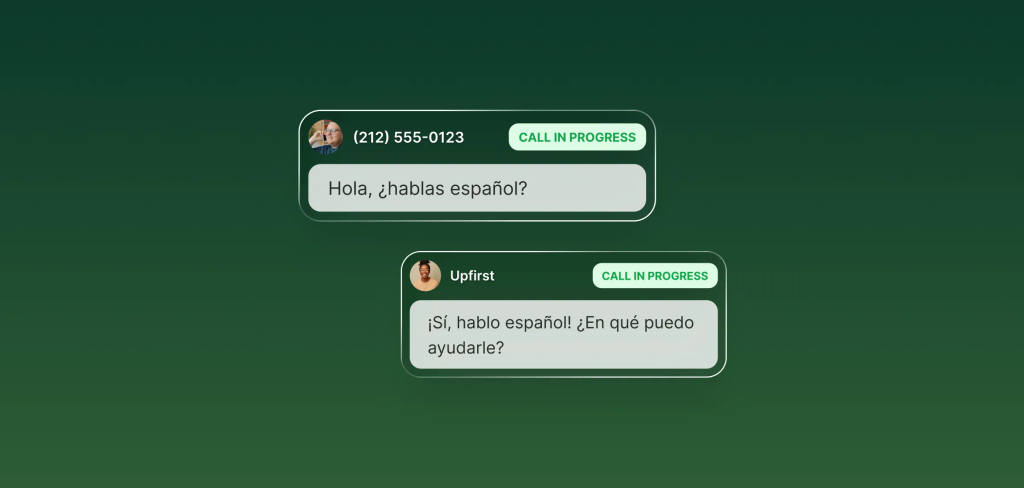
Upfirst detects and responds
Upfirst automatically recognizes the language and responds in the same one.
-
Step 03
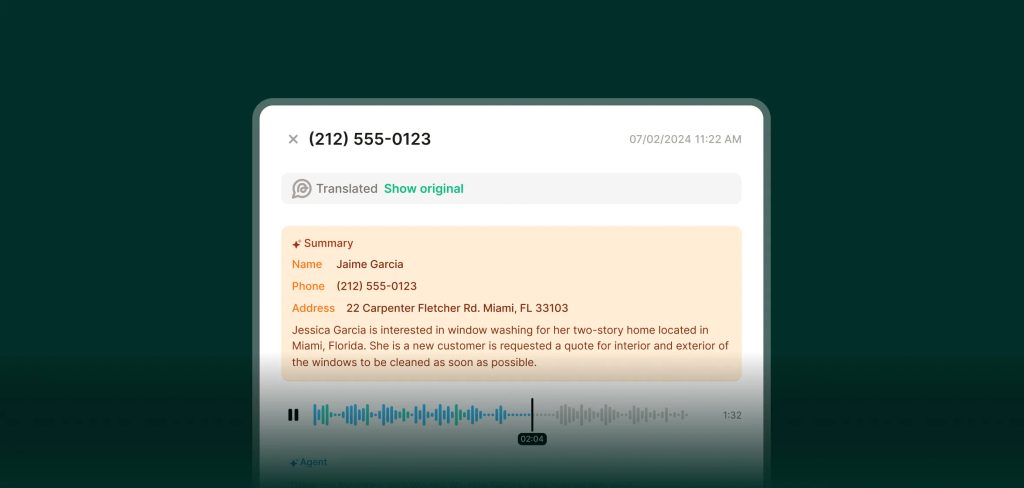
Get translated summaries
Call transcripts and summaries are translated into your preferred language so you can review and follow up easily.
FAQs about our languages feature
Have a question that isn't answered here? Get in touch with our team.
-
Upfirst supports 35+ languages, with natural-sounding voices for each.
-
No. Language detection and switching happen automatically.
-
Summaries and transcripts are translated into whatever language you choose.
-
Yes. It works alongside transfers, texts, scheduling, summaries, and analytics.