
Get clear call summaries after every conversation
Upfirst automatically sends a short summary after each call by text, email, or both, so you know what happened without listening to recordings.
-
Follow up faster
See who called and why they reached out, so you can respond faster.
-
Notify the right people
Send summaries to specific teams based on call type or urgency.
-
Reduce notification noise
Filter out spam, hang-ups, and blocked calls, so you focus on what matters.
How it works
How to control who gets notified, and when
Easily configure who receives notifications and when they receive them.
-
Step 01
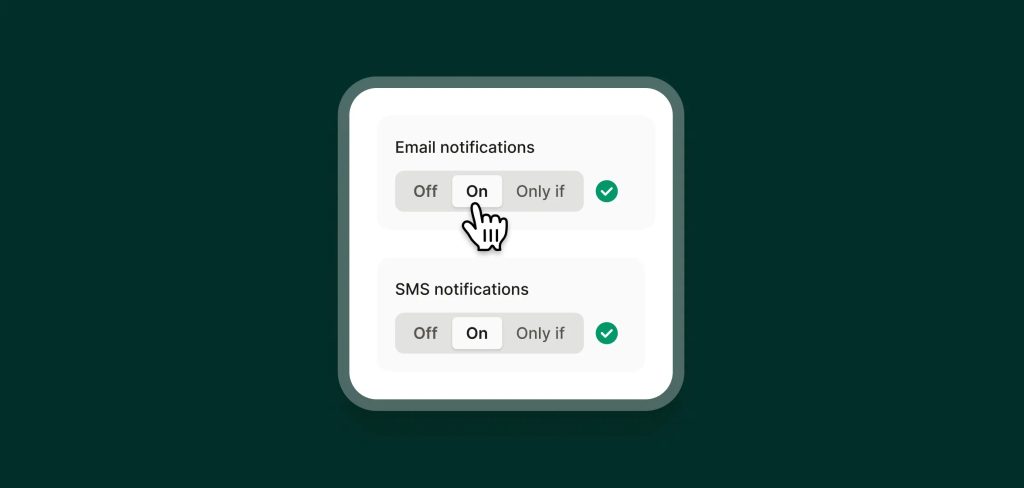
Choose your delivery method
Decide whether summaries are sent by text, email, or both.
-
Step 02
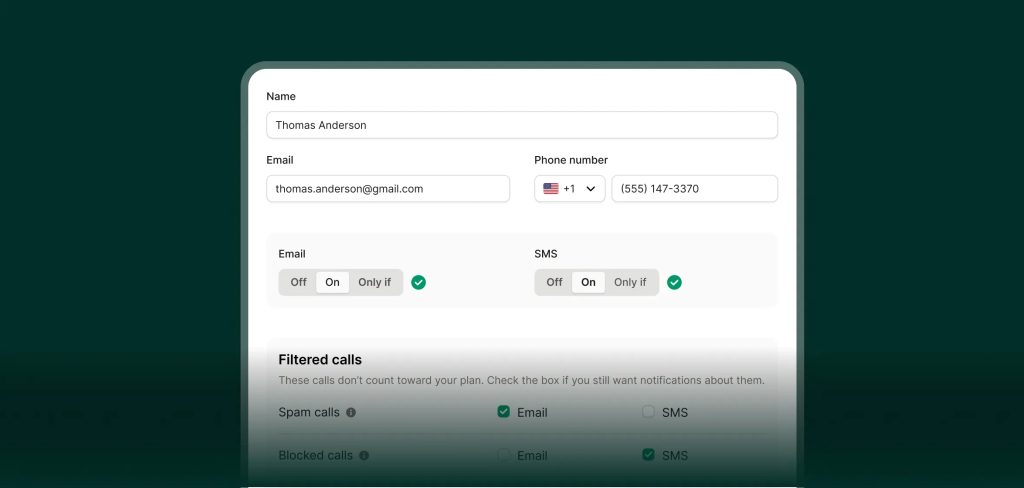
Add recipients
Send summaries to yourself, teammates, or multiple people at once.
-
Step 03
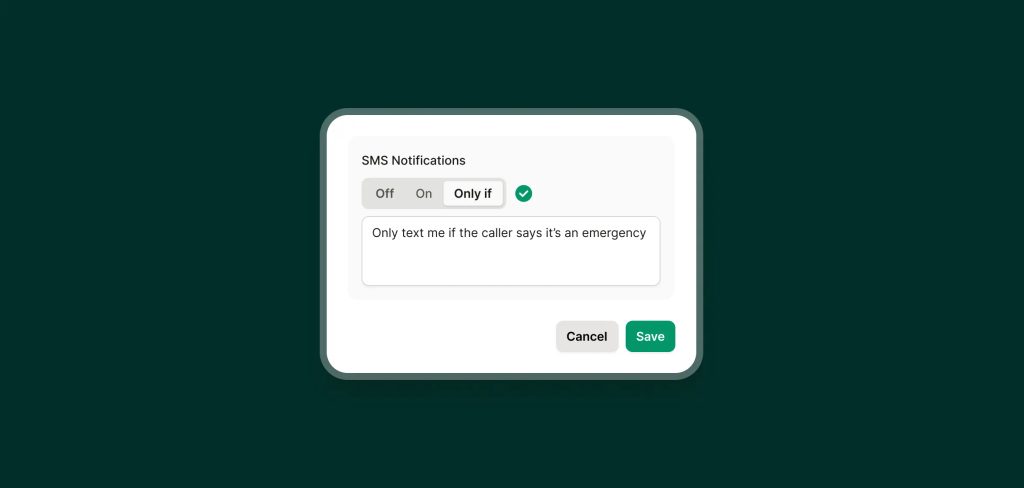
Set notification rules
Use simple “only if” rules to control when messages are sent, like texting only for emergencies or emailing only for support-related calls. Toggle "On" to receive updates for every call, no matter what.
FAQs about our call summaries feature
Have a question that isn't answered here? Get in touch with our team.
-
Summaries include the caller’s details, reason for calling, key information collected, and what happened during the call.
-
Yes. You can send summaries to different teammates for every call that your receptionist answers, or based only on call type or priority.
-
Yes. You can mix and match delivery methods using conditional "only if" rules.
-
Yes. Summaries are delivered shortly after the call ends.