
Get detailed call analytics
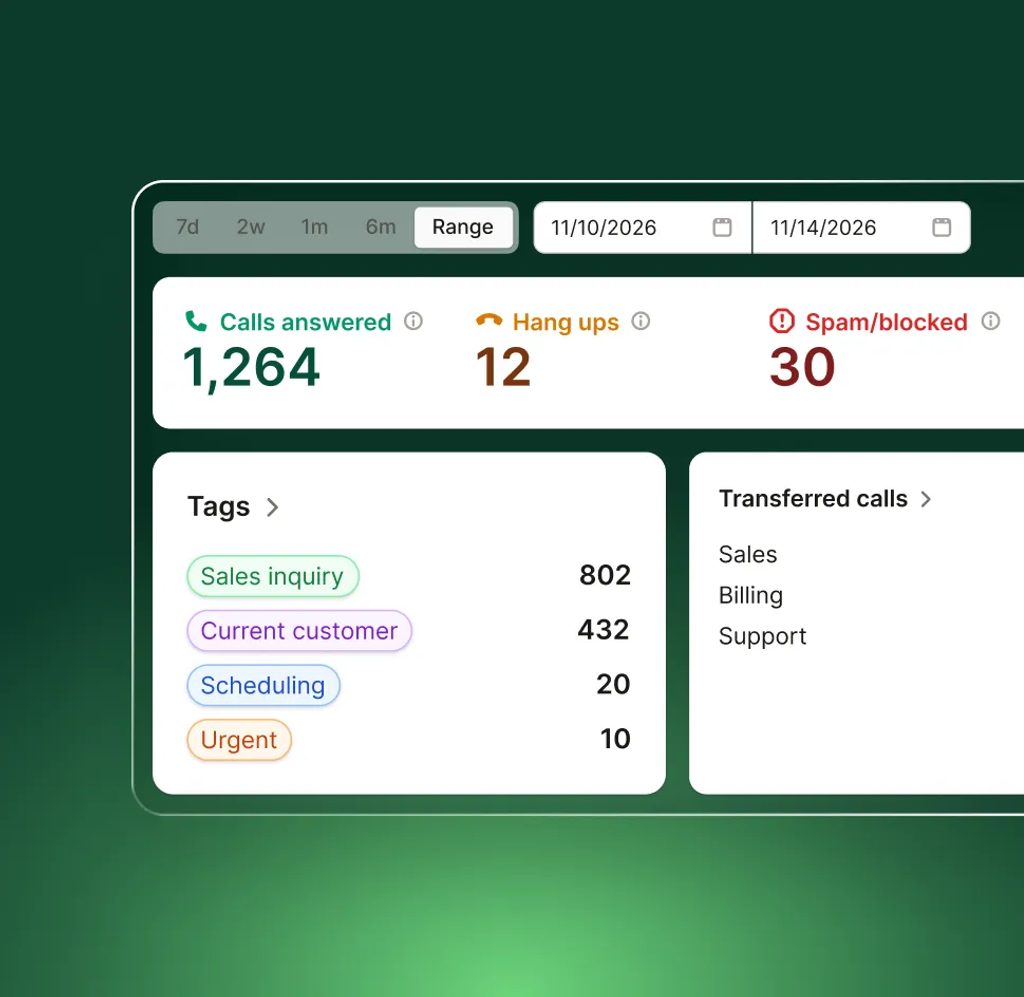
See how many calls you’re getting, why people are calling, and actions your AI receptionist takes—all in one simple view.
-
Know how busy you really are
Track call volume daily, weekly, or monthly to understand your demand.
-
See what happens on calls
Keep track of call duration, call transfers, and texts or bookings sent.
-
Learn why people call you
Group calls by reason to spot the most common questions or issues.
How it works
How to use Upfirst call analytics
Your call analytics dashboard updates automatically as calls come in.
-
Step 01
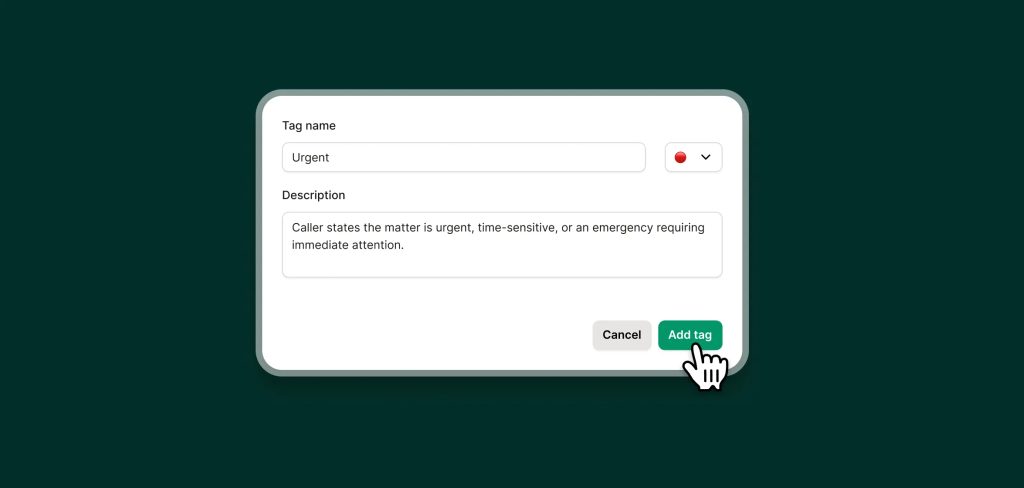
Add custom tags
Create tags for different topics or categories to easily track what's important to you.
-
Step 02
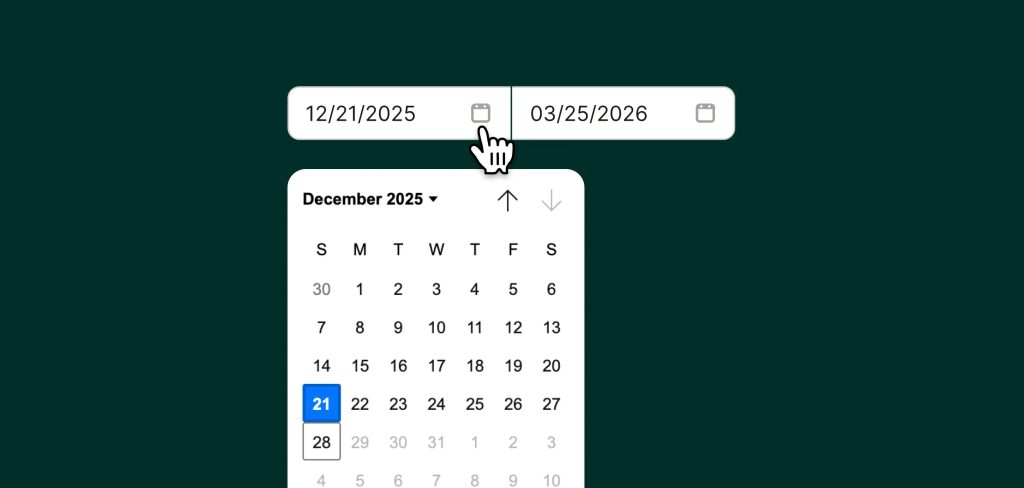
Pick a time range
View today, this week, this month, or any custom date range.
-
Step 03
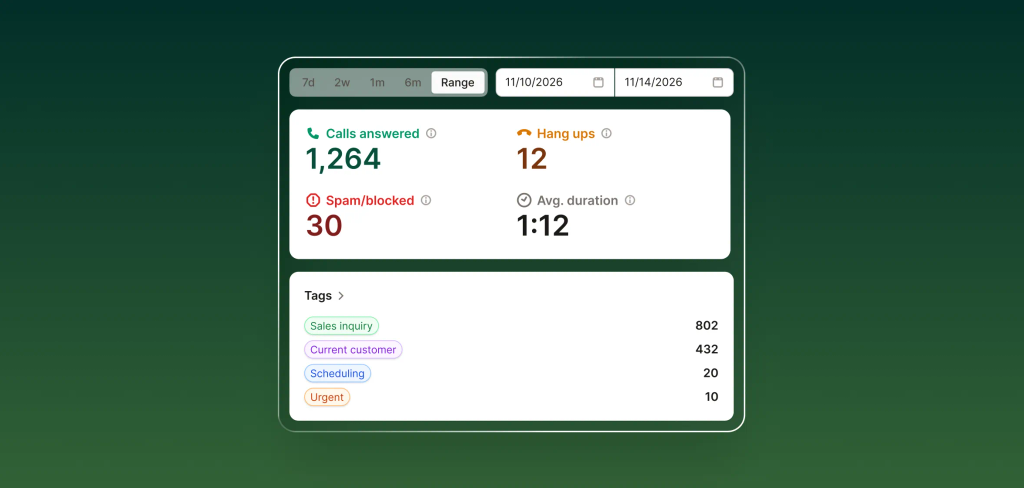
Track actions taken
See what actions your receptionist took — like sending texts or transferring calls — and track other metrics like calls answered, average duration, and more.
FAQs about our analytics feature
Have a question that isn't answered here? Get in touch with our team.
-
No, call analytics are included on all Upfirst plans.
-
Yes, by adding custom tags you can track how often specific topics or types of calls come up.