
Customize what your agent knows and how it behaves
Customize your receptionist with your business info, instructions, or even pages from your website so calls are handled the way you want.
-
Add information
Share your pricing, services, or policies so answers are tailored to your business.
-
Provide instructions
Tell your receptionist how you want calls to flow and it will follow your instructions.
-
Pull from your website
Add pages from your website and your receptionist will automatically scrape the info.
How it works
How to provide your receptionist with knowledge
Upfirst works out-of-the-box. But it gets even better when you add knowledge.
-
Step 01
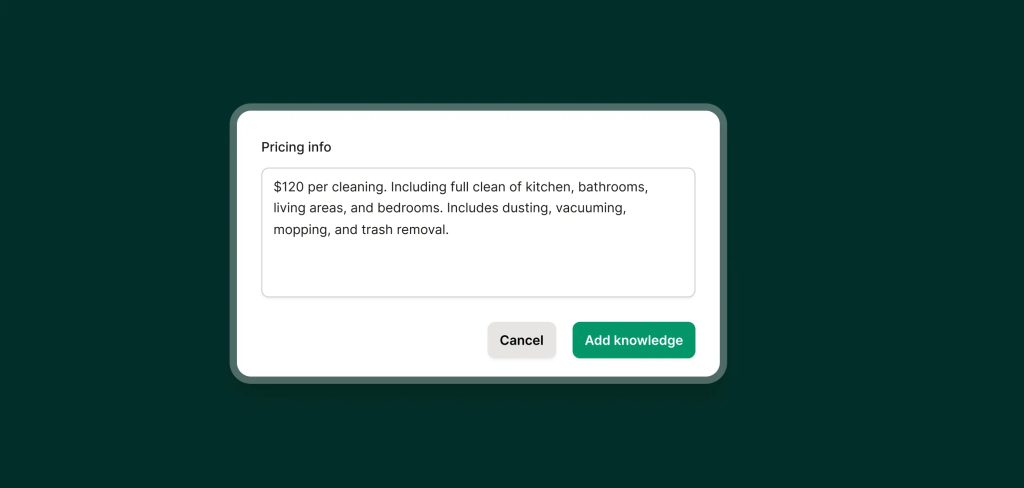
Add what your receptionist needs to know
Drop in descriptions of your services, pricing, hours, or anything else you usually explain on calls.
-
Step 02
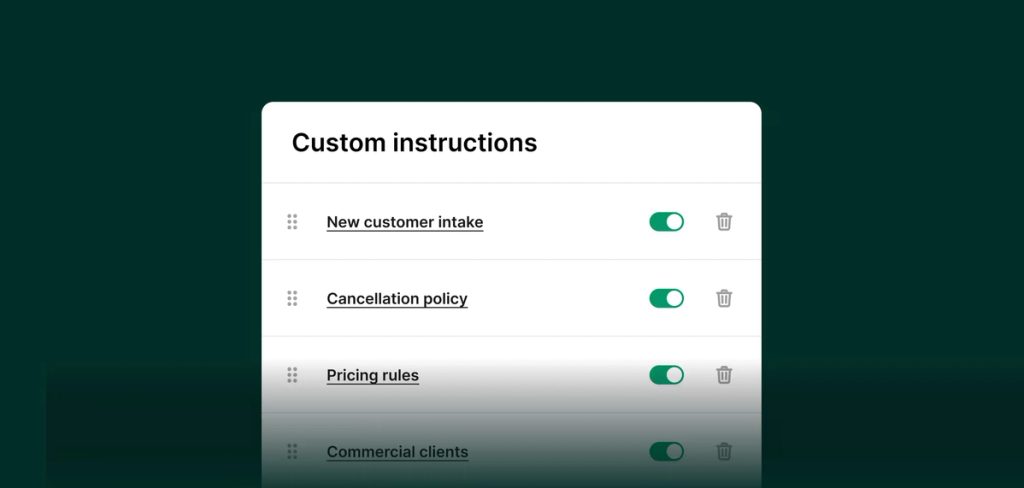
Write simple instructions
You can guide how your receptionist behaves with simple instructions like, "Always confirm whether a caller is a new or existing customer before booking an appointment."
-
Step 03
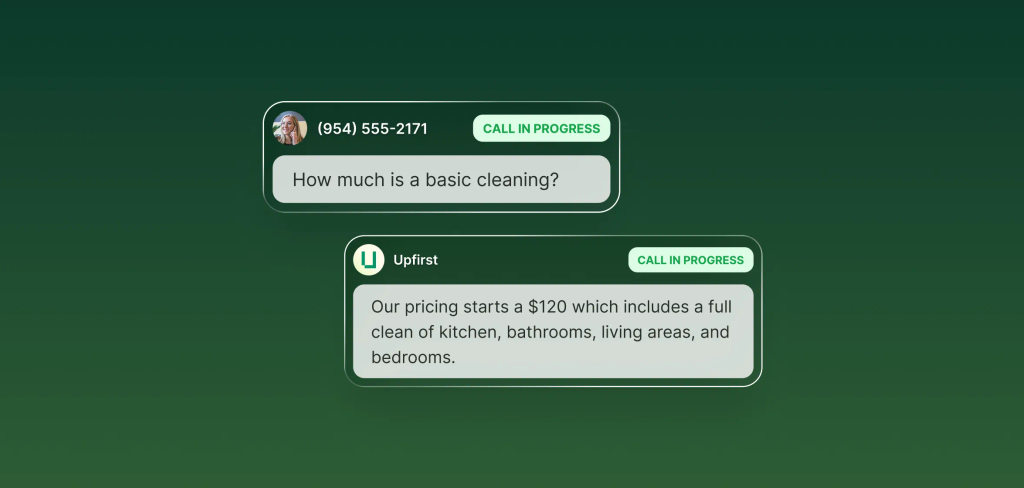
Let AI handle your calls
Your receptionist will use your instructions and business context to guide every conversation. You can make edits or remove info at any time.
FAQs about our knowledge feature
Have a question that isn't answered here? Get in touch with our team.
-
No. The receptionist works right away even without custom knowledge. But adding your knowledge helps tailor its answers and call handling to your business.
-
You can include anything a real receptionist would need to know: details about your services, pricing, policies, operating hours, intake questions, or follow-up instructions. You can also add custom directions, like when to book a call, when to take a message, or what not to say.
-
We don't limit your knowledge base. Add as much as you need to help your receptionist answer calls successfully.
-
Yes. Just paste in a URL, and it will automatically read and summarize the content for use during calls.
-
Only if you want it to. You don’t need to write full scripts. You can jot down shorthand or quick notes, and the receptionist will deliver polished, professional responses.
-
No. You can write everything in the language you’re most comfortable with. The receptionist will automatically translate into the caller’s language in real time.
-
No. The AI that powers your receptionist has been trained on hundreds of thousands of books, articles, and websites. If you want it to act like an expert in your field, just say so—and it will. Or, if you prefer it to stick to basic receptionist tasks and not offer advice, that’s fine too. You’re in control of how it shows up on calls.