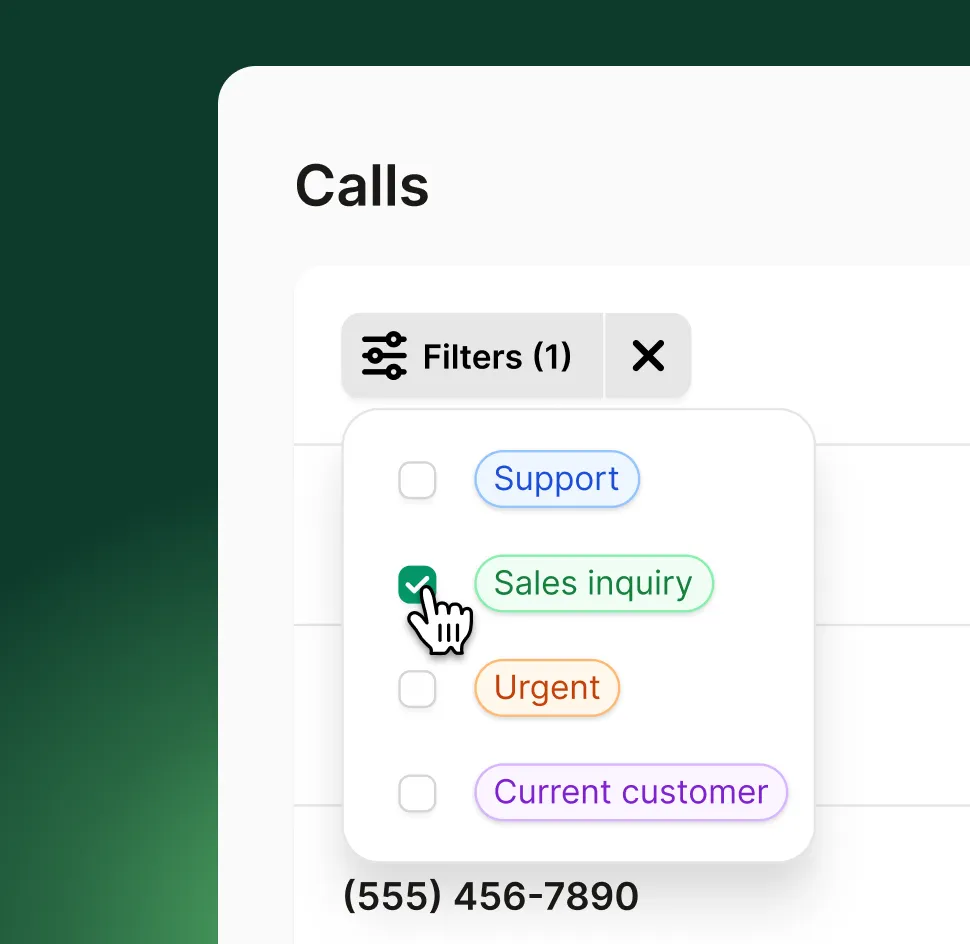
Filtra conversaciones, detecta patrones y revisa llamadas más rápido con etiquetas de llamadas impulsadas por IA.
Prueba gratisVe las razones más comunes por las que la gente llama, sin escuchar cada llamada.
Las etiquetas facilitan ordenar conversaciones por categoría o tema.
Usa etiquetas para encontrar rápidamente llamadas urgentes, leads de alto valor o solicitudes sensibles al tiempo.
Cómo funciona
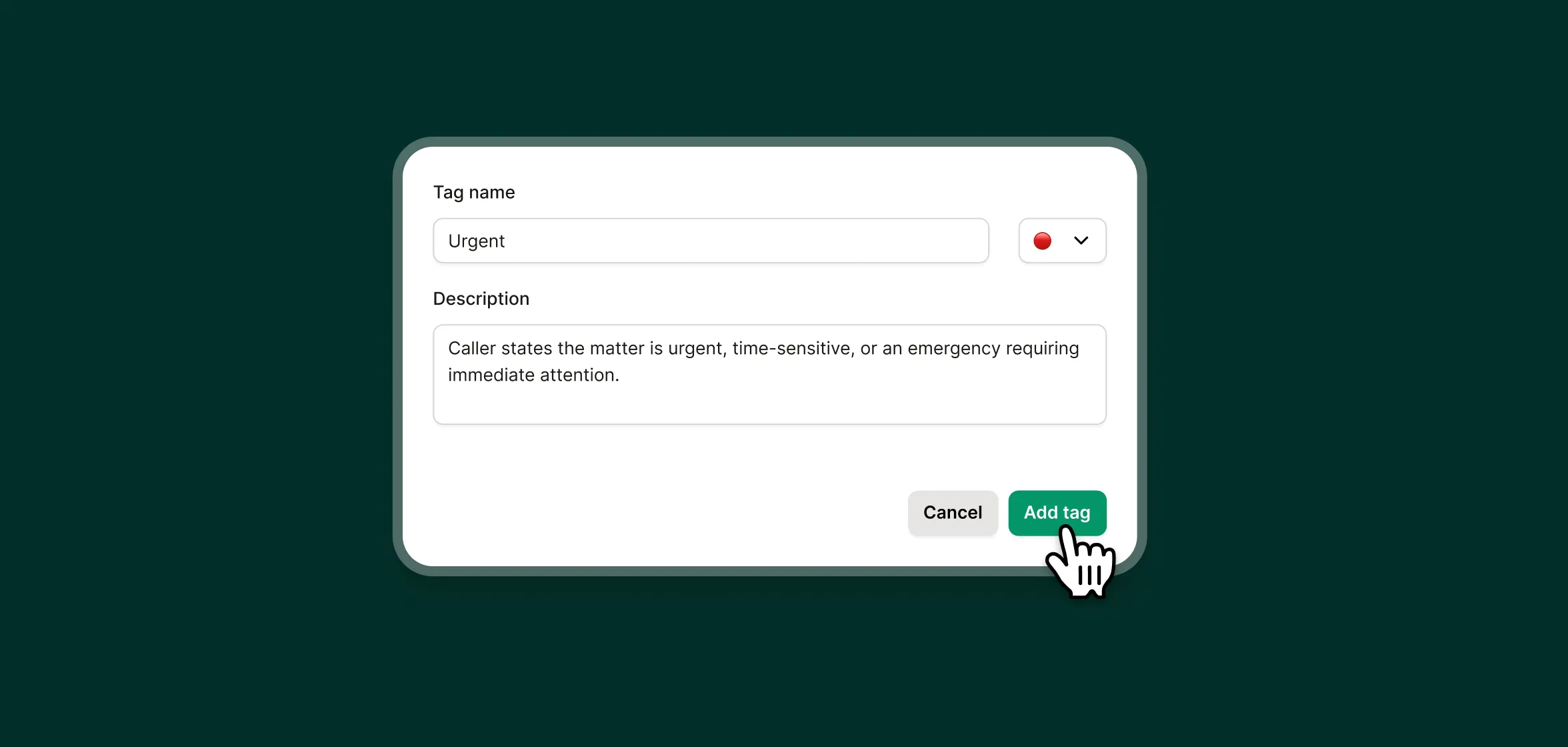
Una vez que tus etiquetas estén configuradas, Upfirst se encarga del resto, sin etiquetado manual.
Agrega etiquetas y escribe descripciones cortas para que tu agente IA sepa cuándo agregarlas a una llamada.
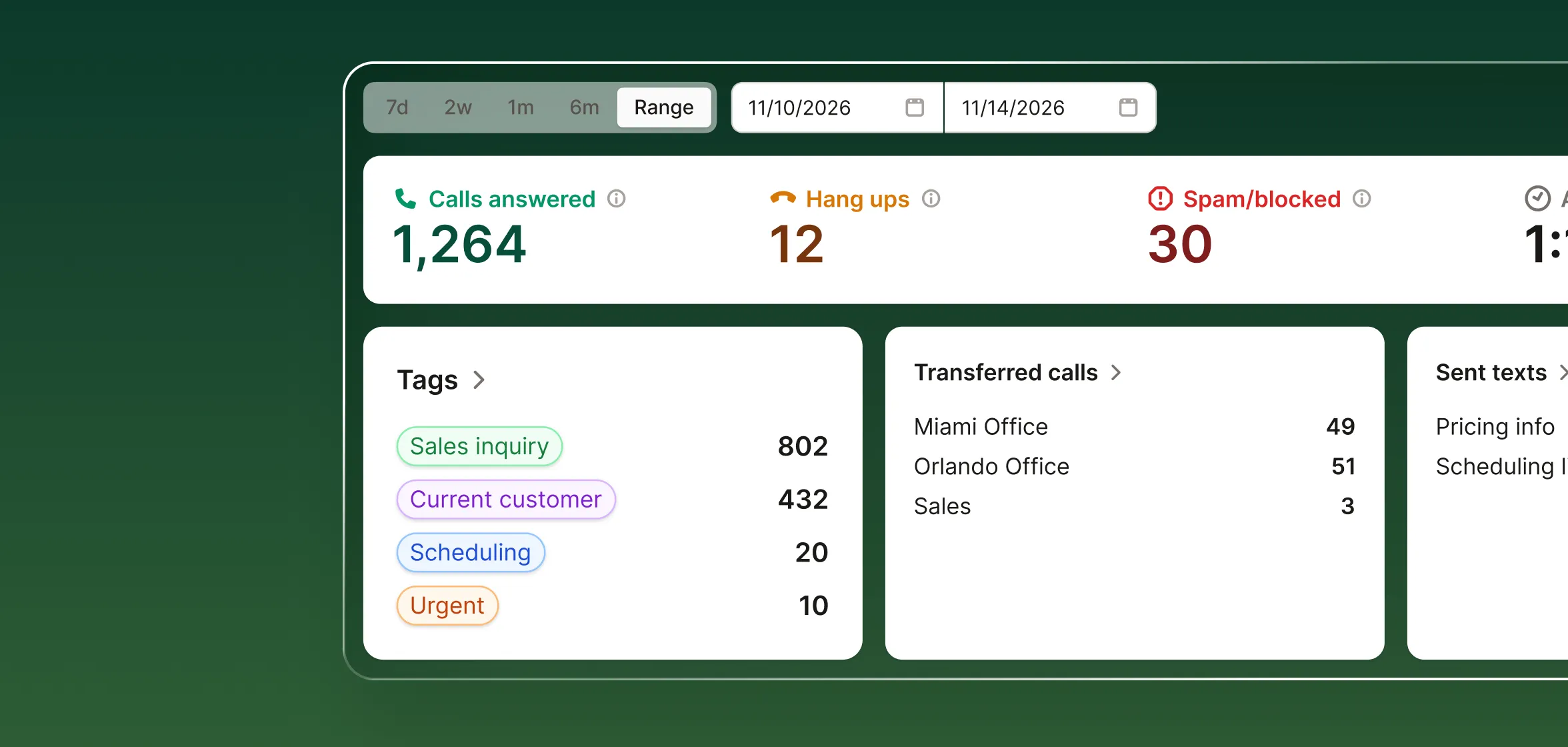
Desde tu panel, puedes ver fácilmente la cantidad de llamadas por etiqueta en un periodo determinado.
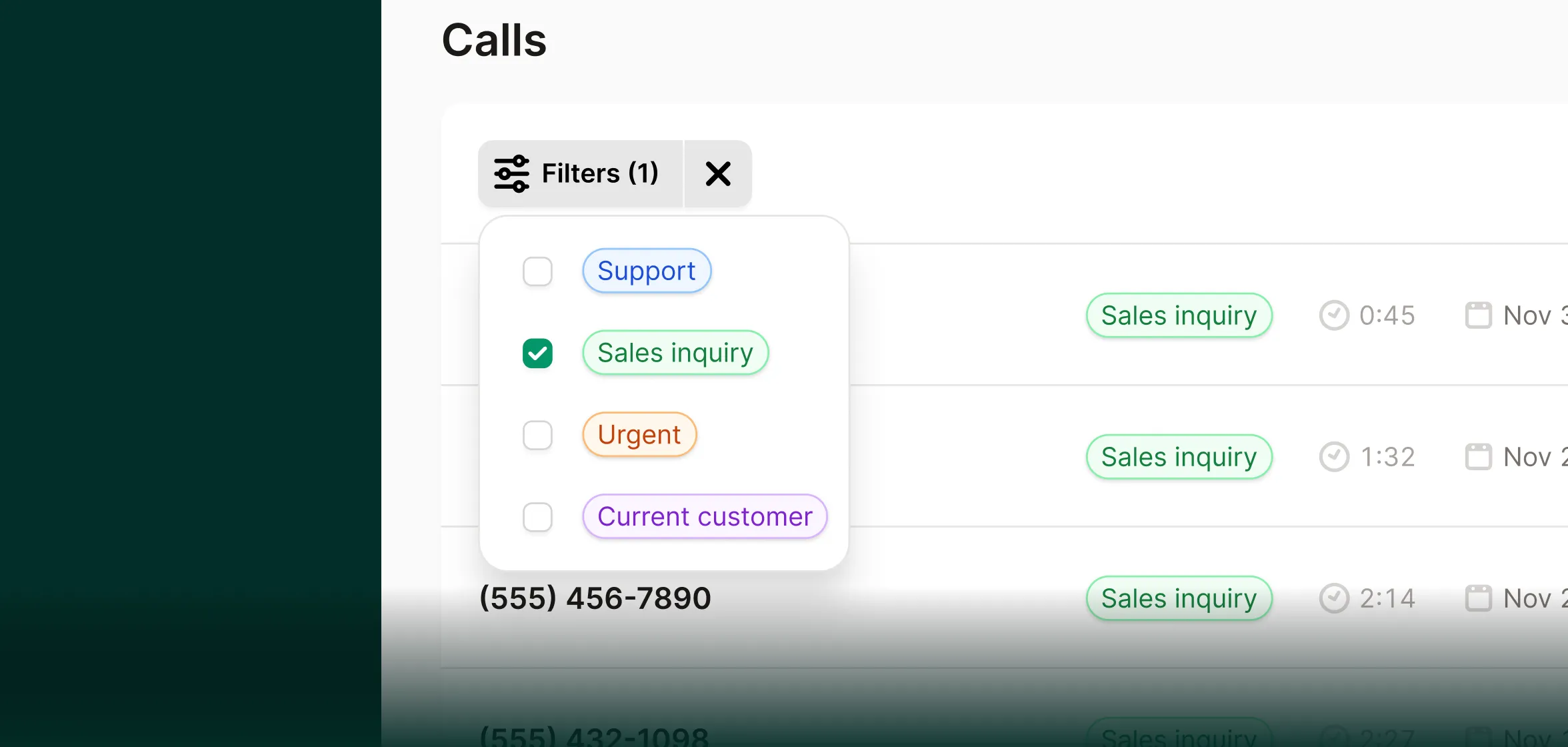
Filtra fácilmente tus llamadas por etiqueta para priorizar las llamadas que más importan.
¿Tienes alguna pregunta que no está respondida aquí? Ponte en contacto con nuestro equipo.
¿Una llamada puede tener más de una etiqueta?

Sí. Las llamadas pueden tener múltiples etiquetas si aplica más de una.
¿Puedo cambiar o agregar etiquetas después?
Por supuesto. Puedes editar, agregar o eliminar etiquetas en cualquier momento, y las nuevas llamadas usarán las reglas actualizadas.
¿Puedo eliminar una etiqueta de una llamada?
Sí. ¿Notas que una etiqueta se agregó incorrectamente a una llamada? Puedes eliminarla fácilmente.
Guarda tu tarjeta de crédito. Puedes probar nuestro servicio de contestación con IA sin ingresar datos de pago. Sin riesgo.
Prueba gratis