
Registro de cambios del producto Upfirst
Nuevas funciones, mejoras y correcciones, todo basado en tus comentarios.

Solicitado por
+
32
otros
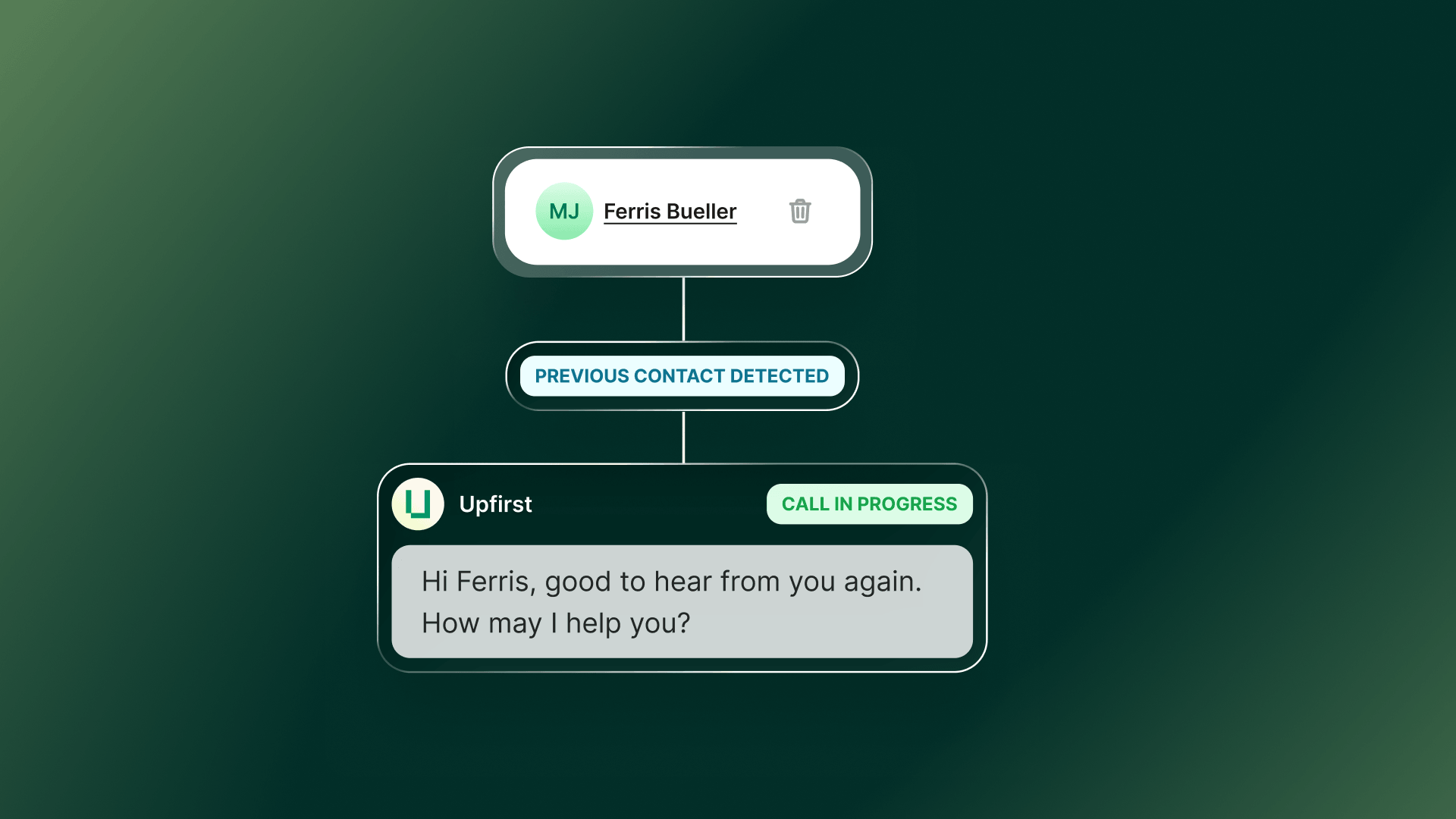
Your Upfirst receptionist now remembers details from past calls, so it doesn’t have to ask the same questions every time. That means smoother conversations and more personalized greetings.
Memory is on automatically. To see what your receptionist knows, go to Contacts → select a contact to view their memory. After each call, the memory updates with new info. You can also add to it anytime by updating the contact’s Notes.
Tip: Use Memory to personalize your script—like greeting callers by first name when it’s known.

Solicitado por
+
27
otros
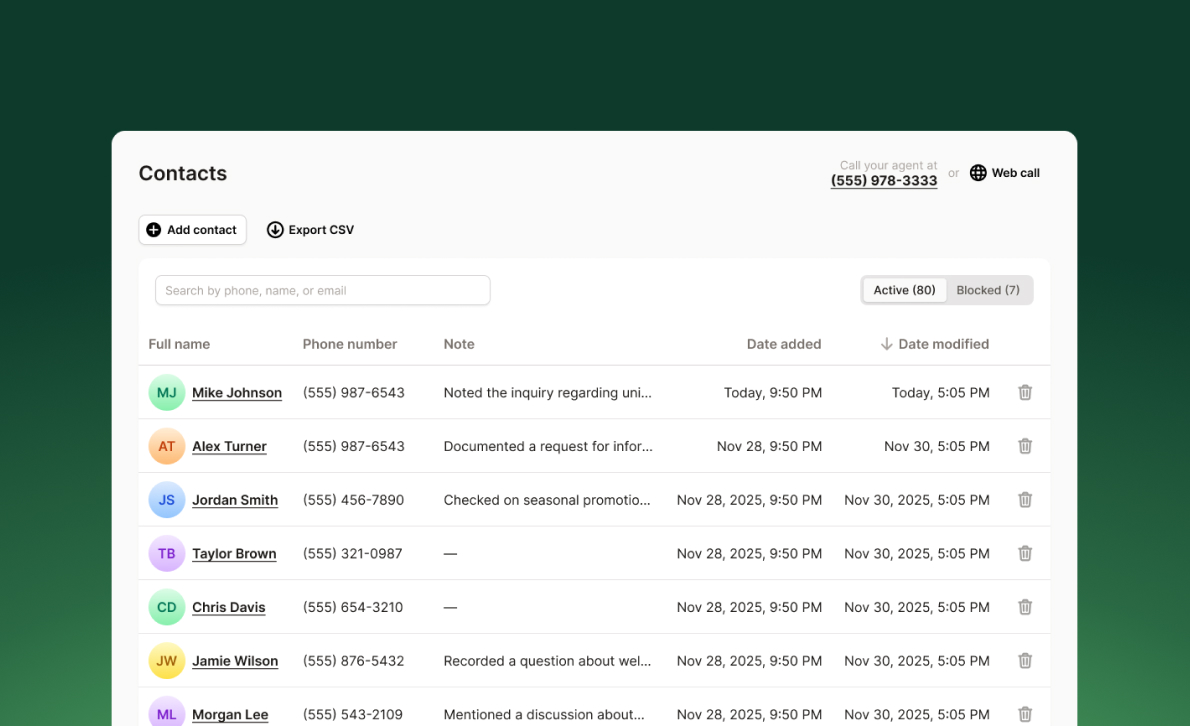
Su registro de llamadas solía ser una lista de números de teléfono. Ahora puedes guardar los contactos para que, cuando alguien llame, veas su nombre en su lugar.
Ir a Contactos en la barra lateral izquierda, agrega un nombre a un número de teléfono y verás ese nombre en todas partes del registro de llamadas.
Si utilizas Upfirst para la generación de leads, también puedes exportar tus contactos para hacer un seguimiento más rápido. Esto es solo el principio: pronto tu recepcionista podrá recordar la información de tus contactos. Estén atentos.

Solicitado por
+
11
otros

Su recepcionista de Upfirst ahora tiene la cancelación de ruido habilitada de forma predeterminada, por lo que puede separar mejor la voz de la persona que llama de los sonidos de fondo. Esto se traduce en menos interrupciones debidas a entornos ruidosos y conversaciones más claras para ti y tus clientes.

Solicitado por
+
18
otros
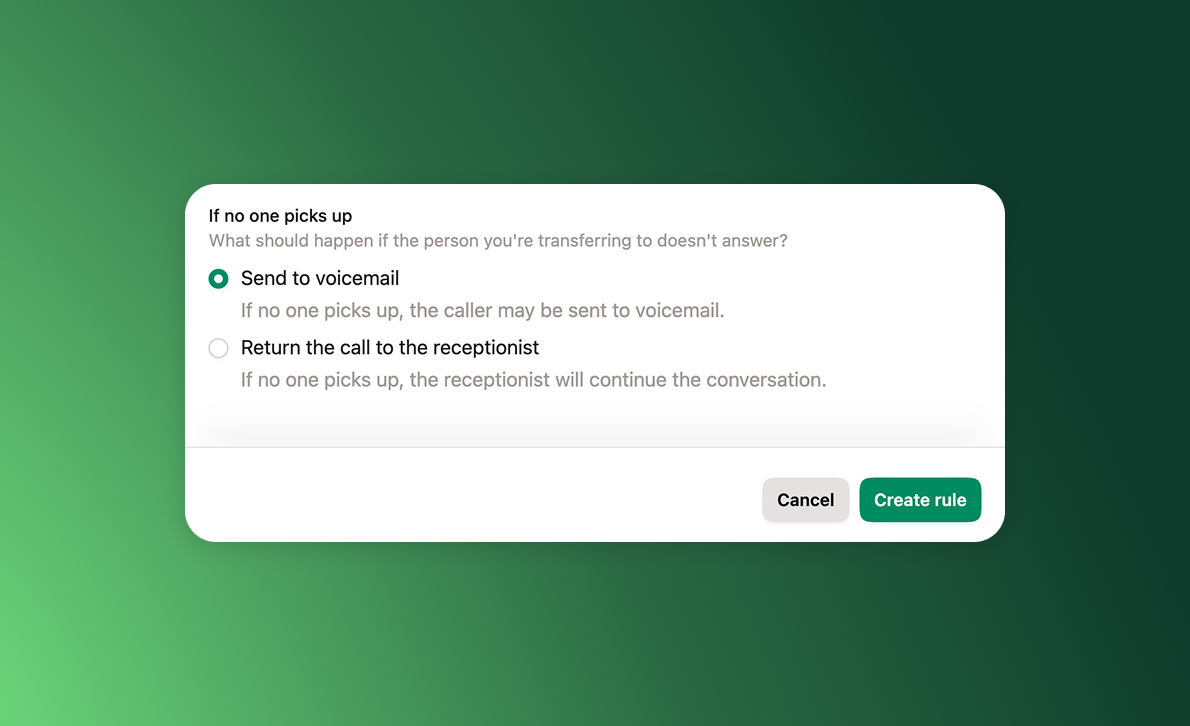
When a call gets transferred, you don’t want your customer to end up in someone’s voicemail. Now they won’t. If the person you transfer to doesn’t answer (or declines), Upfirst detects the voicemail pickup and routes the call back to your AI receptionist so they can take a message.
To turn it on, go to Agent → Transfer calls, edit (or add) a rule, and choose the new transfer option that keeps the receptionist in the loop if the person doesn’t pick up.
Tip: Pair this with custom notifications so the right person gets the message. Go to Agent → Notifications, add a teammate, set Only if, and write a condition (e.g., only notify email if the caller asked for Jessica).

Solicitado por
+
15
otros
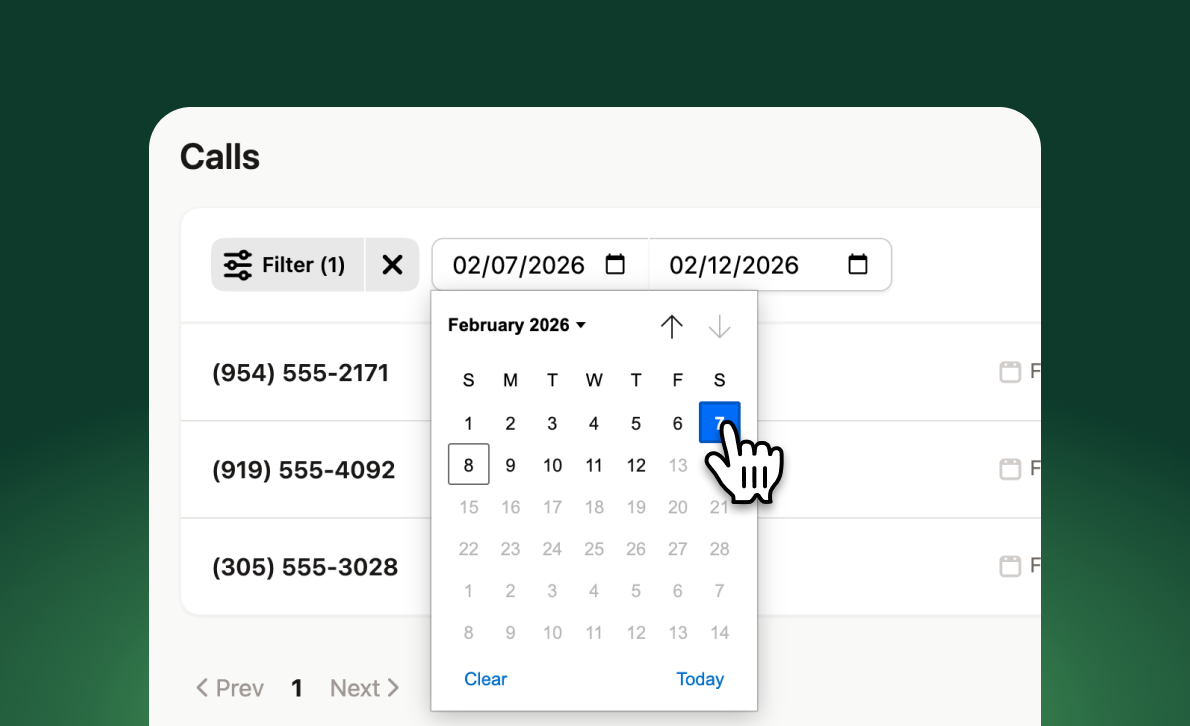
You can now filter your calls by date. Go to Calls → Filter and select Date Range.

Solicitado por
+
6
otros
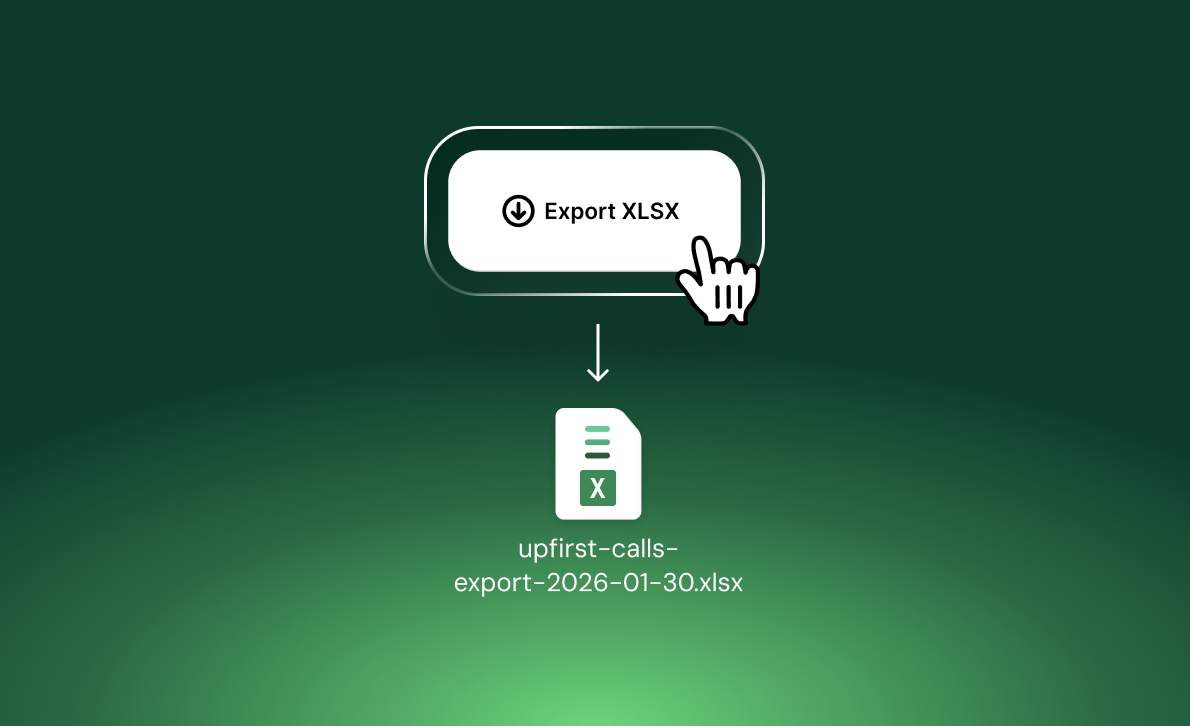
You can now download an XLSX file of your call history, so you can run your own analysis and build custom reports outside Upfirst.
Go to Calls in the left-hand menu, then click Download XLSX in the top right.
The export includes start time, end time, duration, caller number, summary, transcript, tags, whether the call was a hang up or spam, and any info you collect from callers (like name and email).

Solicitado por
+
3
otros
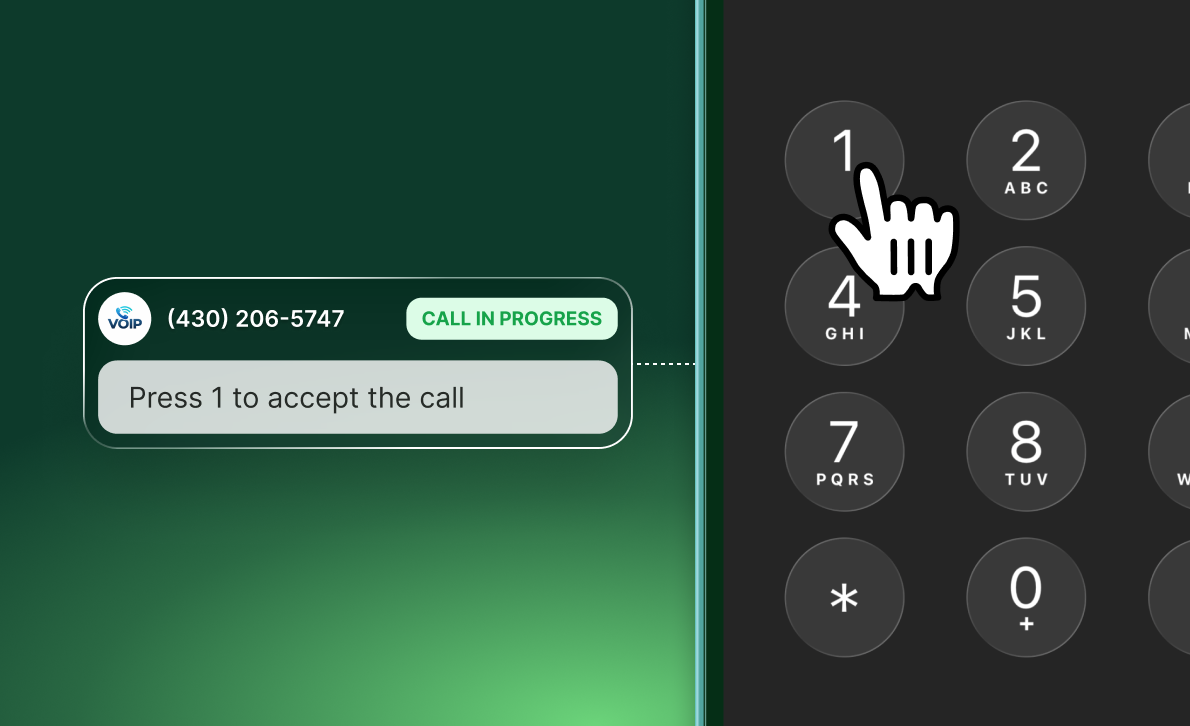
Your Upfirst receptionist can now dial DTMF tones during a call—so it can get through automated prompts like “Press 1 to accept."
Set it up under Agent → Knowledge by telling your receptionist what to dial and when. For example: “If someone calls from Jackson Correctional Institute, dial 1 to accept the call.”
This helps you answer calls that used to get stuck behind call screening, collect-call systems, or building entry lines where you need to dial a digit/code to unlock the door.
Deja de perder llamadas. Deja que nuestras recepcionistas de IA contesten por ti.
Prueba gratis

